DinDin Planner
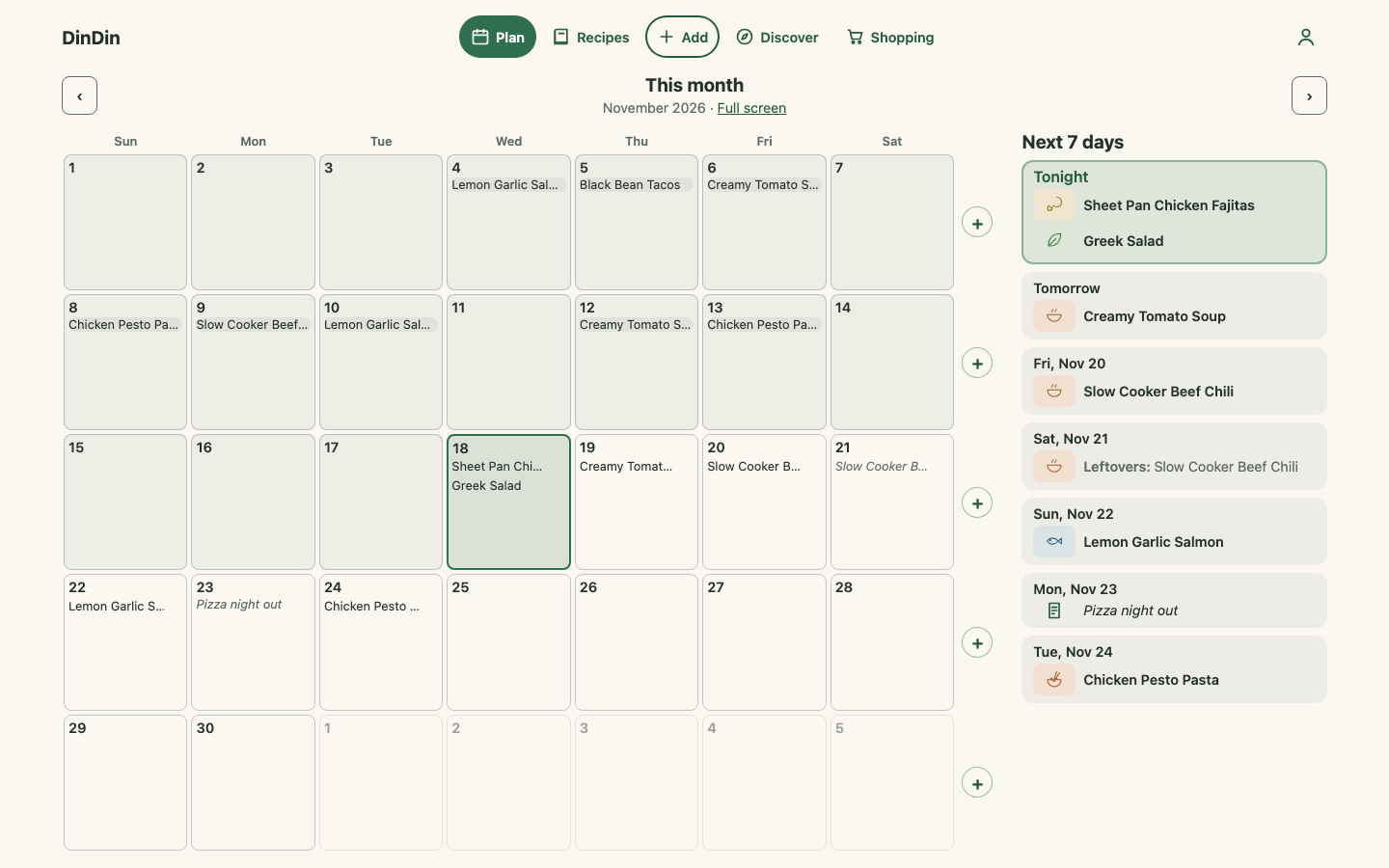
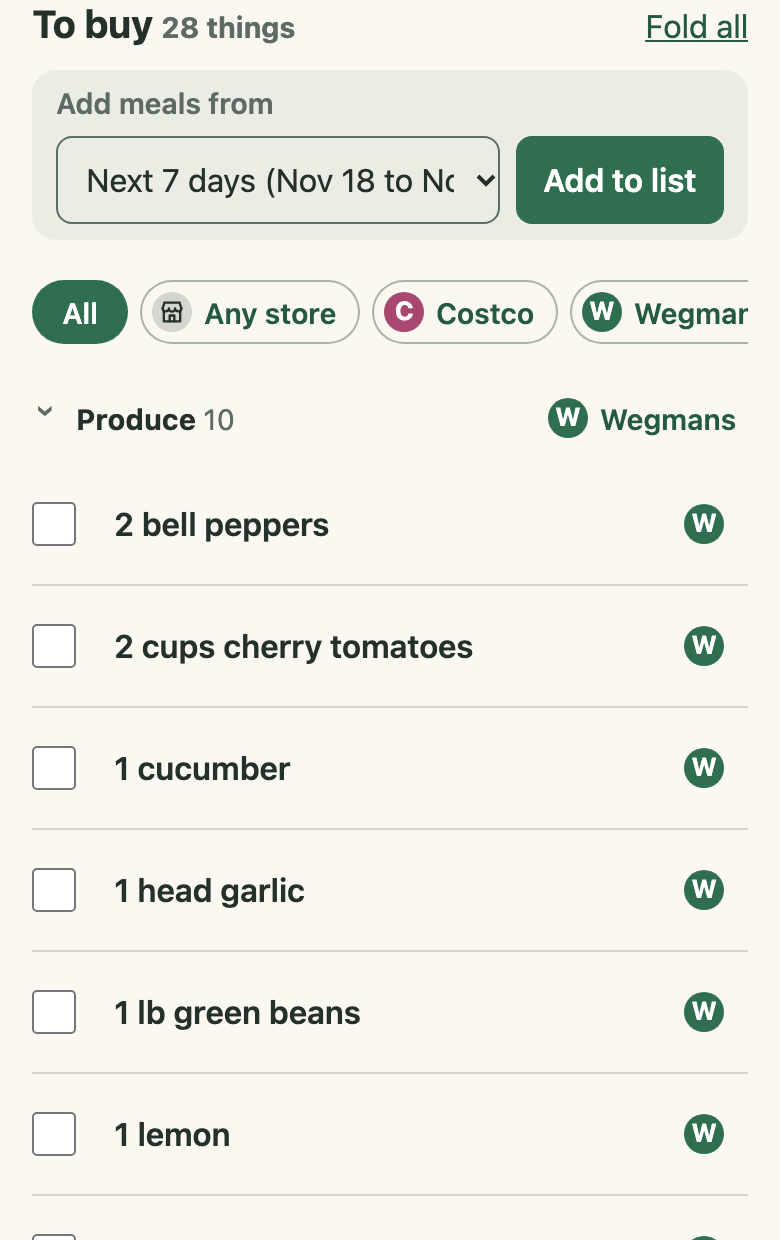
A meal planner for households: save recipes from any link, PDF or photo, plan the month's dinners together, and get one shopping list. I designed, built and run it on my own, on Cloudflare.
Visit dindinplanner.com · Back to Work
The problem
In most homes, dinner planning lives in one person’s head, a stack of bookmarks and a note on the fridge. Recipes are spread across websites, PDFs and photos of cookbook pages; the plan is wherever someone wrote it down; and the shopping list is rebuilt by hand every week. DinDin puts the recipes, the plan and the list in one place that the whole household shares.
Who it’s for
Households of up to three people who cook at home and share the planning. Everyone in a household sees and edits the same recipes, calendar and shopping list. It is live at dindinplanner.com, open to anyone in the US, with a free plan and a paid Premium plan.
The stack
| Runtime | One Cloudflare Worker: a Hono API and the static app |
|---|---|
| Data | D1 (SQLite) with Drizzle migrations and FTS5 search |
| Files | R2 for dish photos and nightly backups |
| Jobs | Cloudflare Queues for link imports, with retries and a failure state |
| App | React progressive web app (Vite, dnd-kit), installable on a phone’s home screen |
| Payments | Stripe Checkout, customer portal and signed webhooks |
| AI | Claude Haiku reads recipe photos, with daily cost caps |
Three key decisions
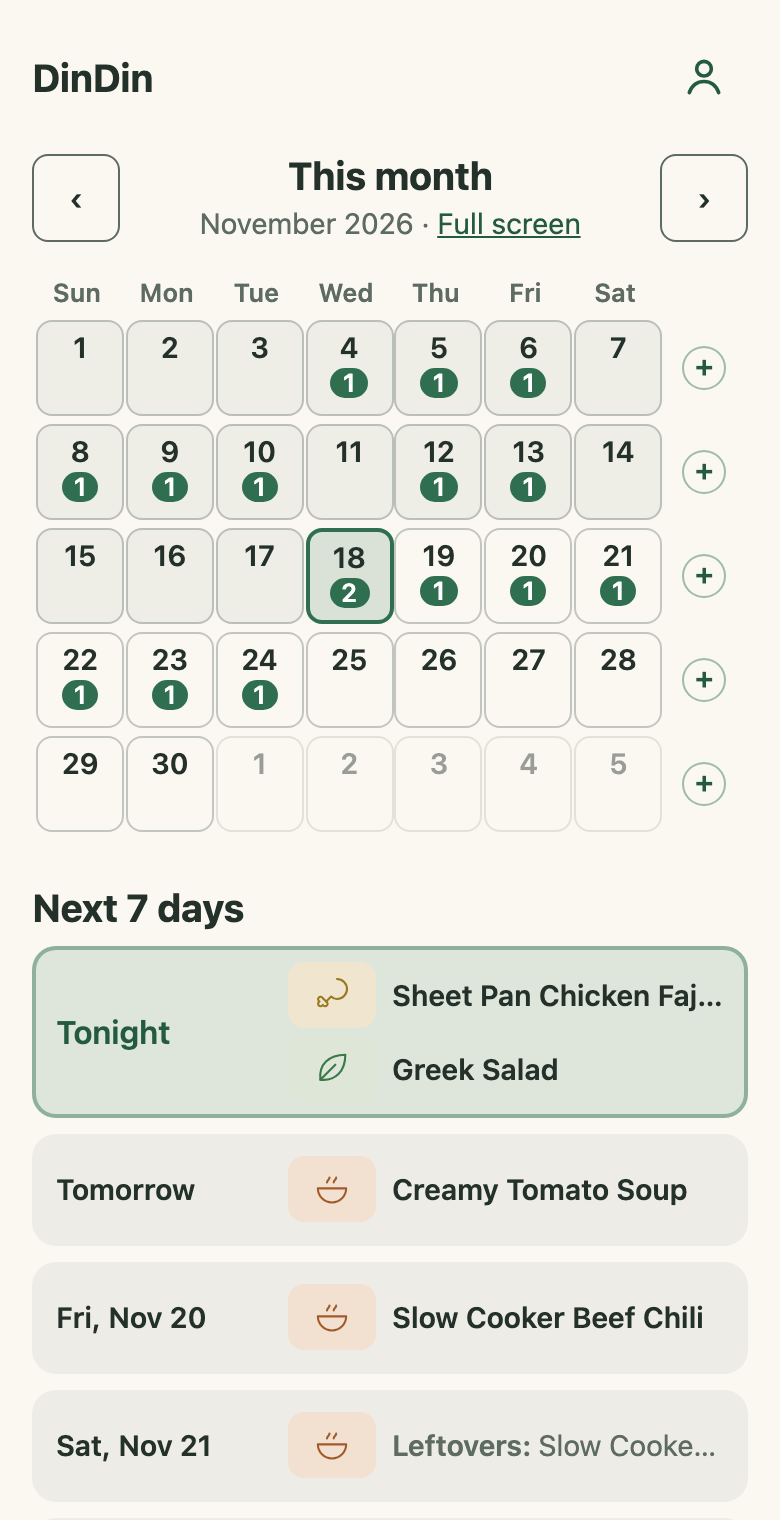
1. The household is the unit, not the person. Recipes, the calendar and the list belong to a household, and everyone in it can plan and edit. Joining another household moves you, with your recipes, so there is never a question of whose copy is the real one. Every recipe edit is a new version, so a change by one person can be read back by another.
2. Rules first, AI only where it pays. Links and PDFs are read by plain rules: structured recipe data on web pages, and text read from PDFs on the device, so the original file never leaves the phone. Claude reads only what rules can’t, chiefly photos of cookbook pages, a Premium feature, with per-person and daily caps on every call. That keeps the running cost small and predictable for a product that one person pays for.
3. One Worker, managed services, nothing to babysit. The app, the API and the background imports all run on Cloudflare: D1 for data, R2 for photos, Queues for slow link imports that can retry. There are no servers to patch, and backups, error emails and a weekly quality report run on their own, because the product is run by one person part time.
What it taught me
- Using it changes the plan. After building the first four milestones and living with them, I dropped a shared public recipe library, link cards, a week view and unit conversion. Each cut removed code, legal review and support work, and the product got simpler and better.
- Write the checks down as tests. Accessibility (contrast, names and tap sizes on every main screen, in light and dark mode) and real shopping-list lines that once came out wrong are automated tests, so a fix stays fixed.
- Running a product is more than building it. Billing, sign-in, backups, problem reports, cost caps, a privacy policy and a launch ad campaign took as much care as the features.
See it
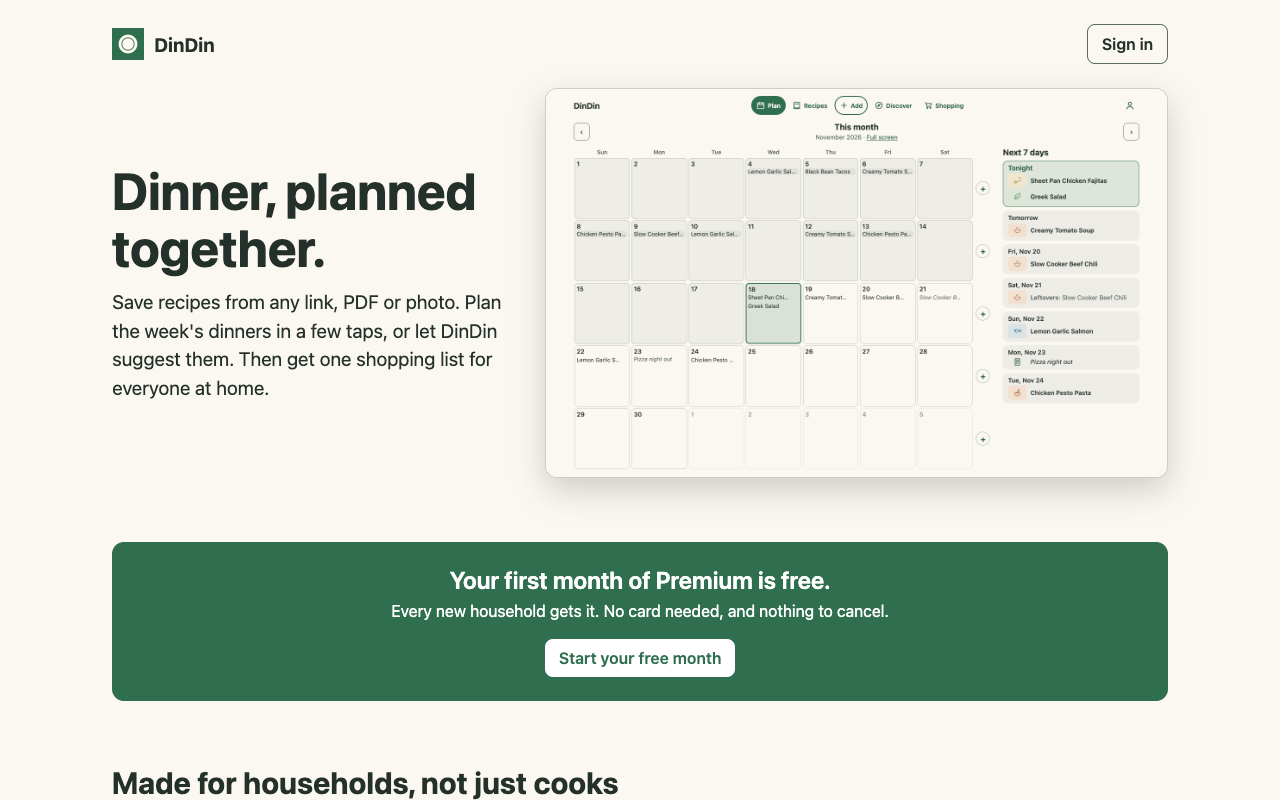
DinDin is live at dindinplanner.com. The code is private. Screenshots of the app show a made-up sample household.